

There are two ways to unsubscribe from our emails:
Click the Unsubscribe button at the bottom of every email:
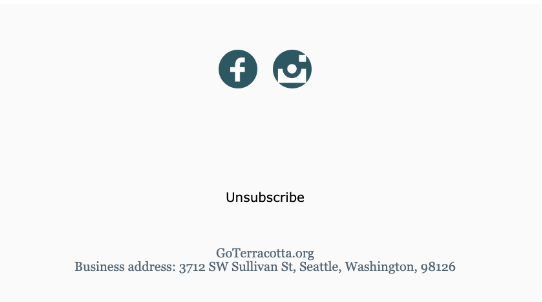
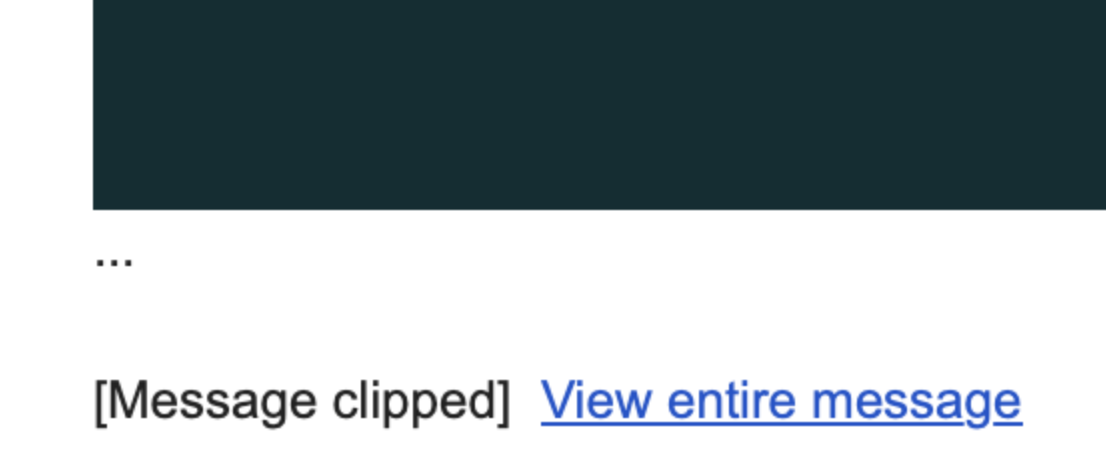
If you do not see the Unsubscribe button, click View Entire Message to open the full email. You will then see Unsubscribe at the bottom.
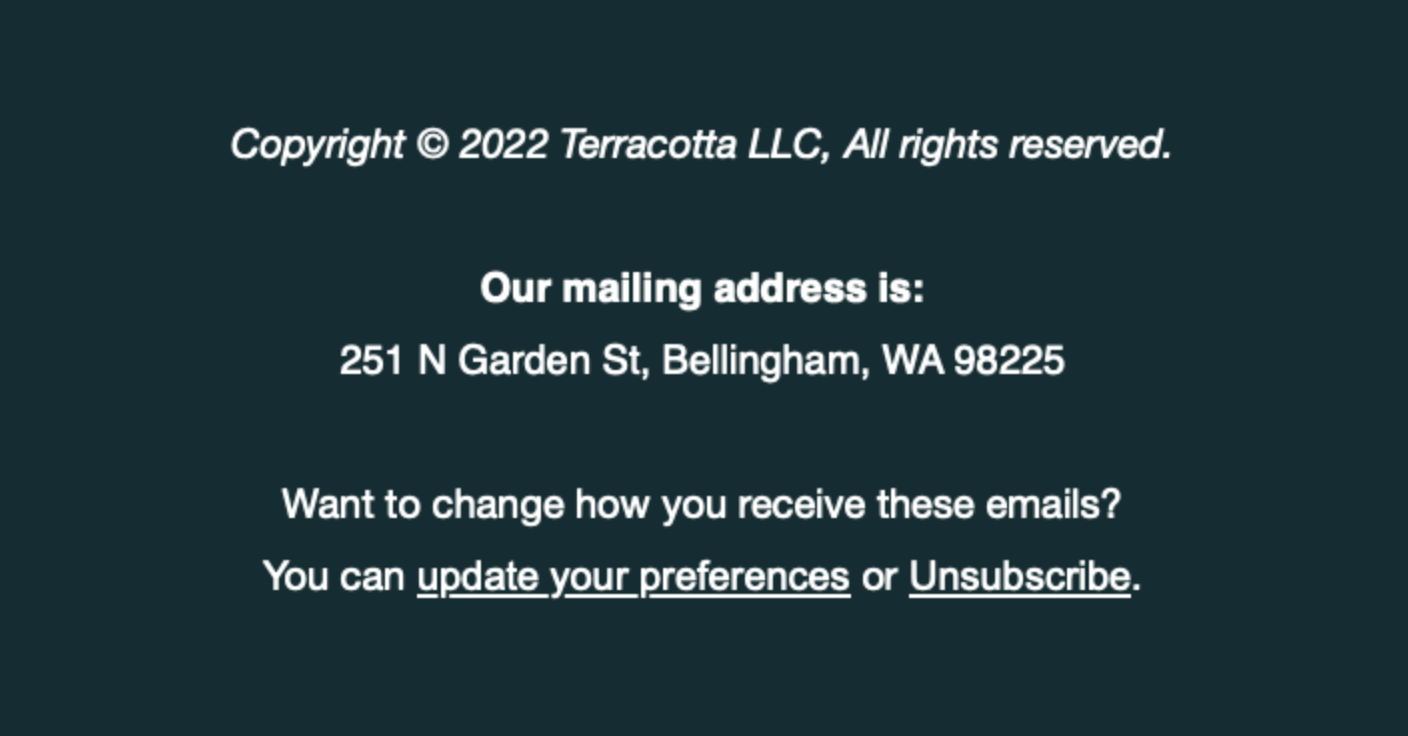
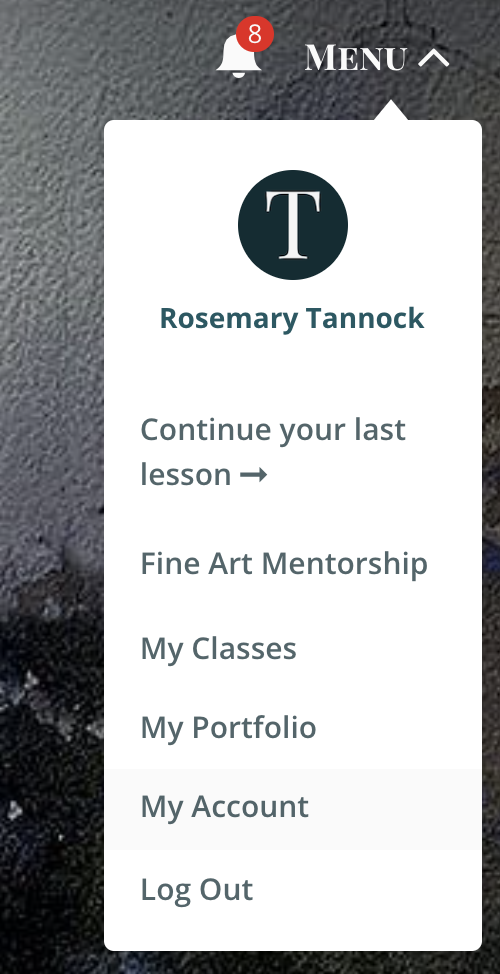
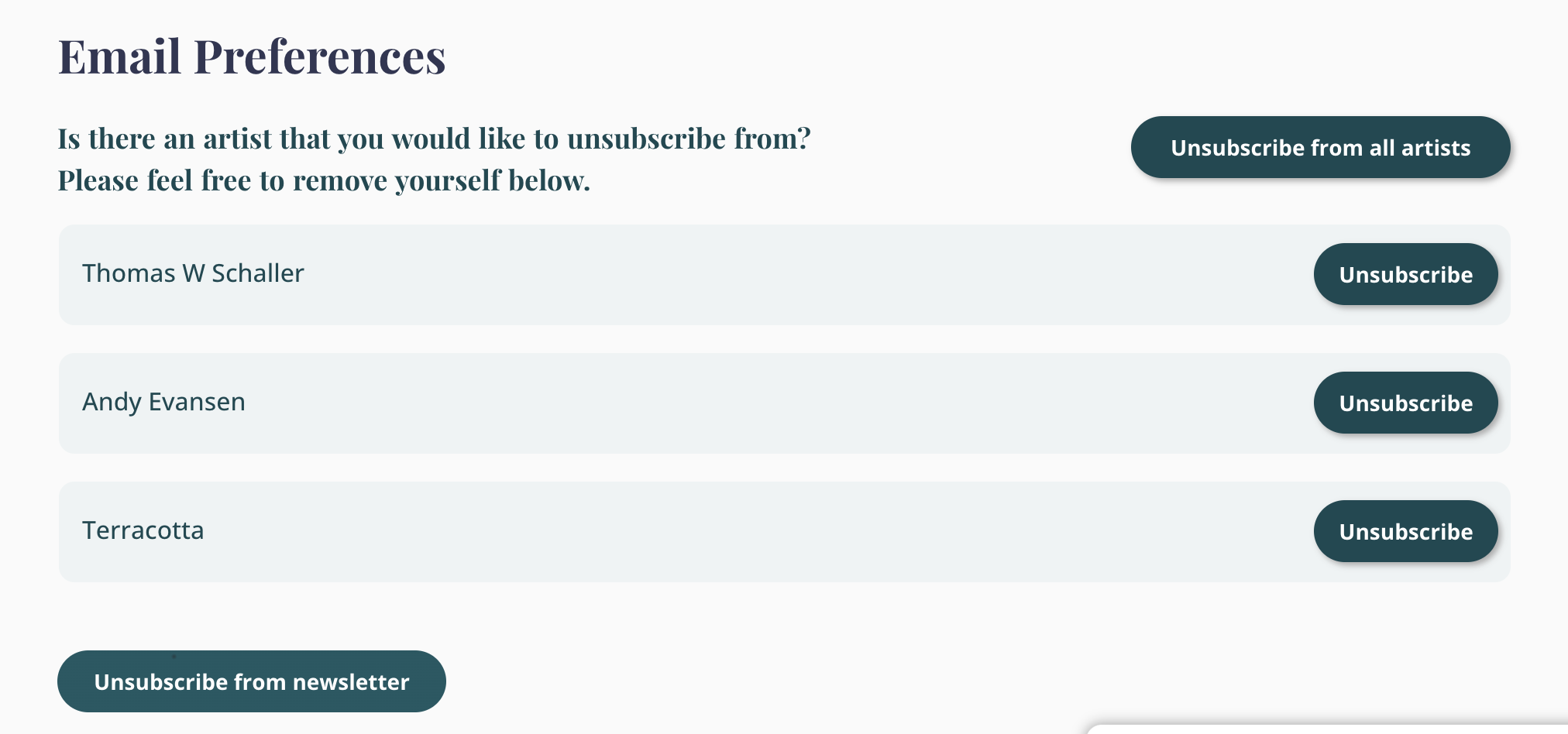
Log into your Terracotta account, if you have one, and click Menu > My Account > and then choosing your preferences under Email Preferences.
To opt out of text messages, simply reply Stop.
We wish you all the best!