Logo

How can we help you?

Find step-by-step guides, troubleshooting tips, and feature explainers to get the most out of our platform.

Manage Your Email Preferences

Technical Support

Manage Your Email Preferences

Follow your favorite artists and manage your email preferences

Last updated on 09 Dec, 2025

Follow your Favorite Artists

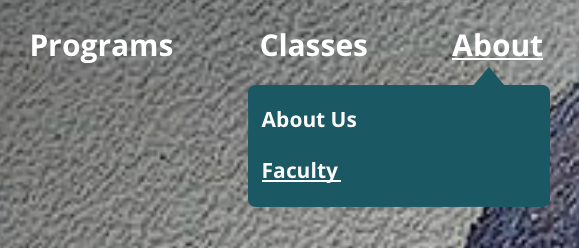
  1. On the top of the page, hover your mouse over About and select Faculty 
Image


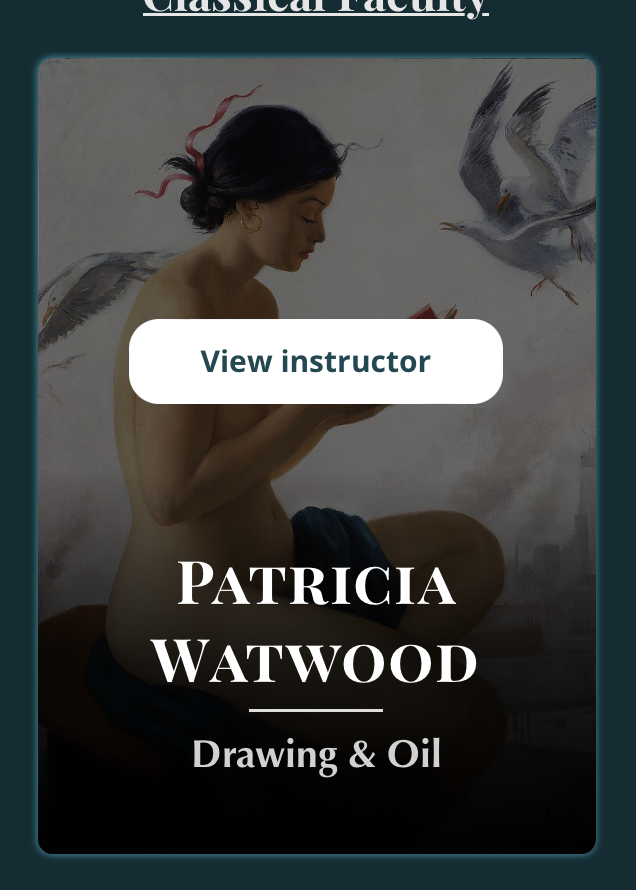
2. Select an artist and click View instructor
Image


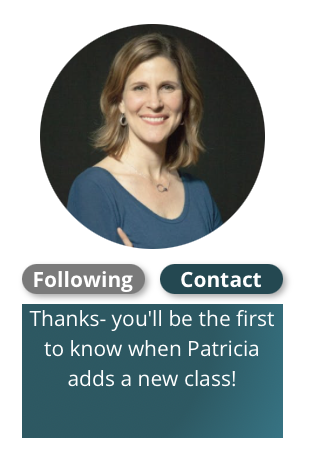
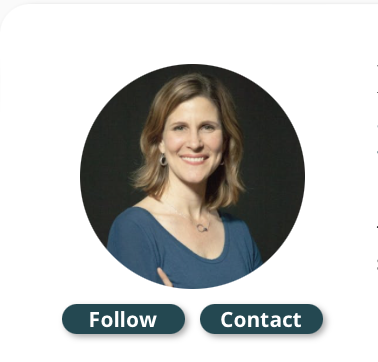
3. Under the artist's picture, click Follow. Now you'll be the first to know when they have a new class!
ImageImage


Manage Your Email Preferences

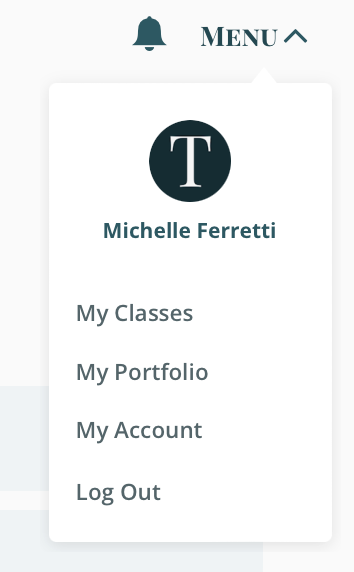
1. Click Menu and My Account
Image


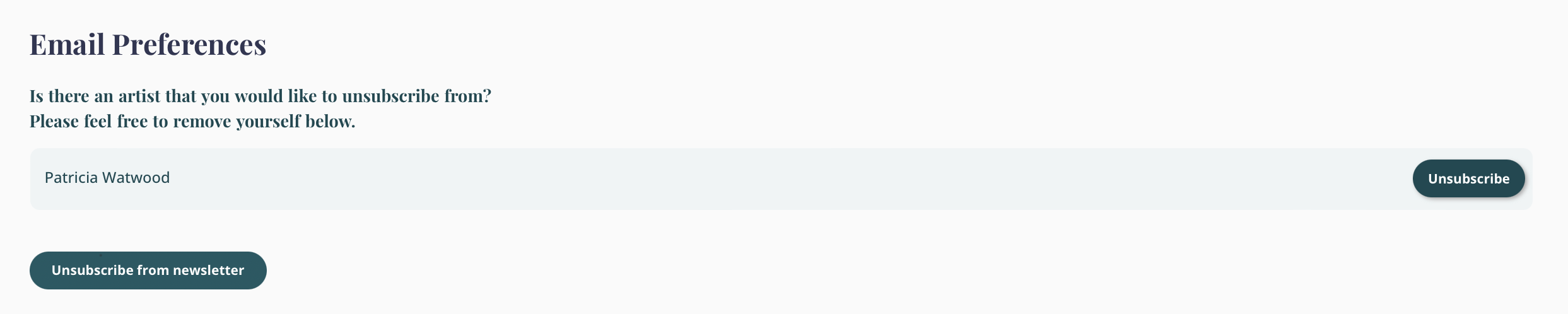
2. Scroll down to Email Preferences, Unsubscribe from any artist notifications or from Terracotta's Newsletter
Image
Did you find this article helpful?
Previous

Uploading Work as a Project

Next