

Logo

How can we help you?

Find step-by-step guides, troubleshooting tips, and feature explainers to get the most out of our platform.

How do I update my payment information?

Technical Support

How do I update my payment information?

Steps on how to update your payment information

Last updated on 09 Dec, 2025

To update your payment information, follow these steps.


Log into your Terracotta account: https://terracotta.art/

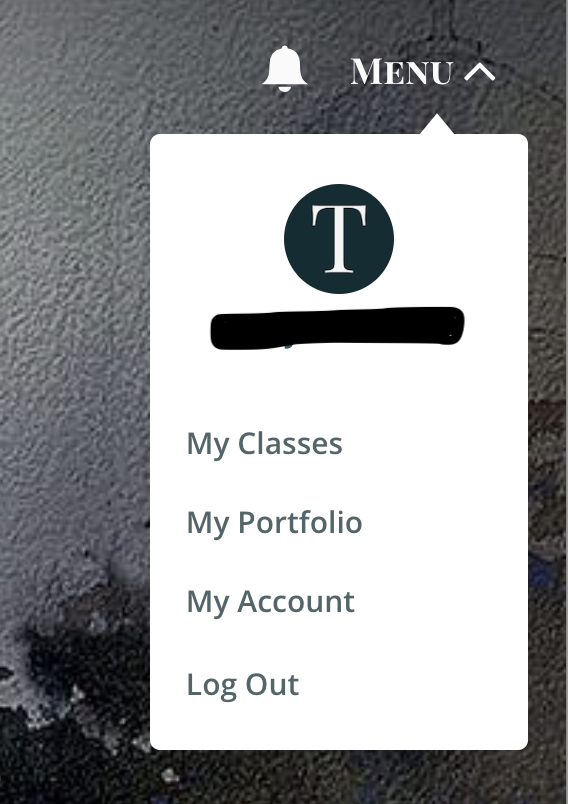
Once logged in, select Menu > My Account.
Image


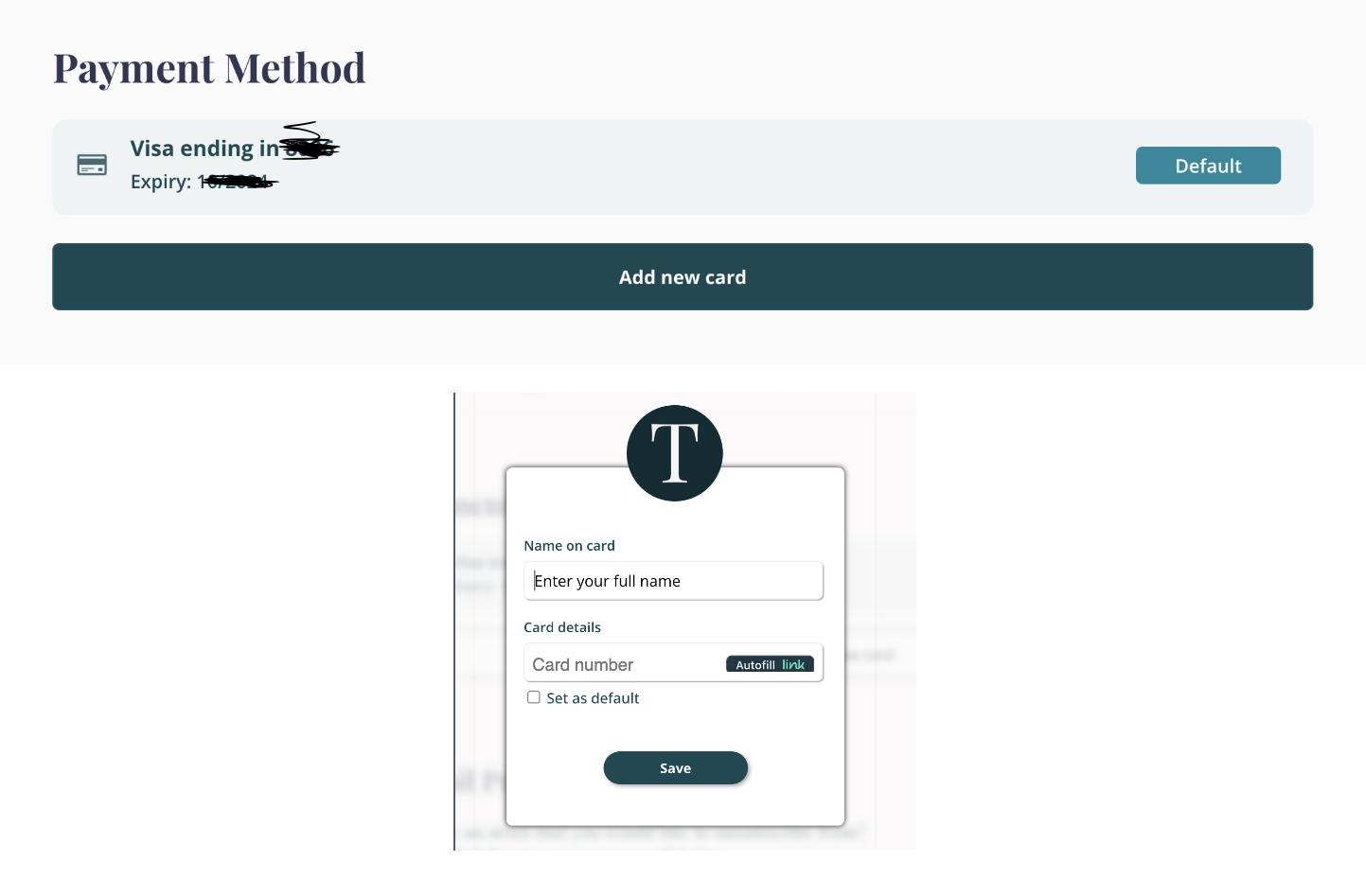
Under the Payment Method section, select Add New Card. You can check the box to make this the default payment method. 
 

Image


Did you find this article helpful?
Previous

Help! I forgot my password!

Next