

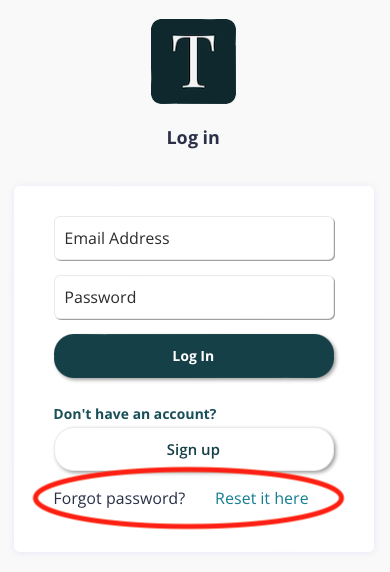
If you forgot your password, you can always reset it on the login page.
Select "reset it here."
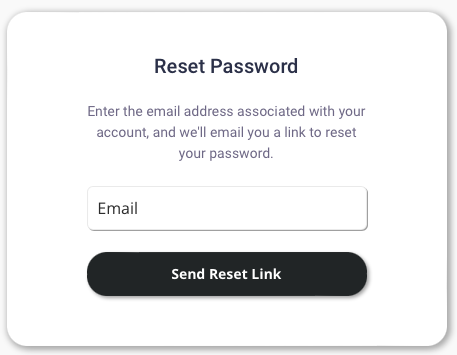
Type in your email address, and click "Send Reset Link." We will email you instructions to reset your password.
*Only send one reset password email at a time. Wait up to 15 minutes before sending another reset password email. After a new one is sent, it will invalidate earlier reset emails for security purposes.
**Please check your junk or spam folders (sometimes our emails end up there).
If you need to update your email address, you can do so at any time by going to My Account from the dropdown Menu or send us an email at hello@goterracotta.org and we'd be happy to assist you.