

Logo

How can we help you?

Find step-by-step guides, troubleshooting tips, and feature explainers to get the most out of our platform.

How do I share my artwork to my Terracotta portfolio?

Getting Started

How do I share my artwork to my Terracotta portfolio?

Each student with Terracotta has their own personal virtual portfolio!

Last updated on 08 Nov, 2022

Students are able to share their artwork with other students on the platform by posting to their portfolio.


Follow the steps below to learn how to post your work to your portfolio:

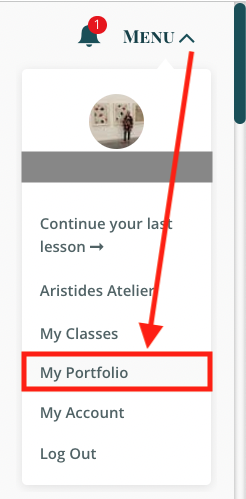
1. From the Menu

2. Click on My Portfolio 
Image

3. Click on Upload

Image


Interacting with other students' artwork:

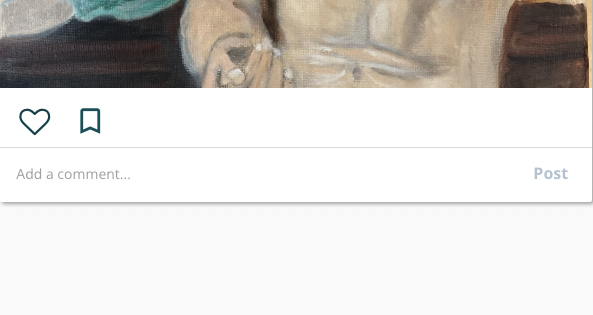
Students are able to "like" (heart icon), comment on, and "save" (bookmark icon) other students' work. 
Image

Your Saved Images will show up underneath your images in your portfolio. 

Image
Did you find this article helpful?
Previous

Uploading Your Work for Offline Critique with Carlo Russo

Next
