

When viewing a class, you’ll be able to register and pay directly on our website using a credit card.
To get started, you’ll need to create a Terracotta account. If you already have one, simply click “Login here” to continue. Once you've clicked on the workshop of interest, there will be an option that says, register/reserve.
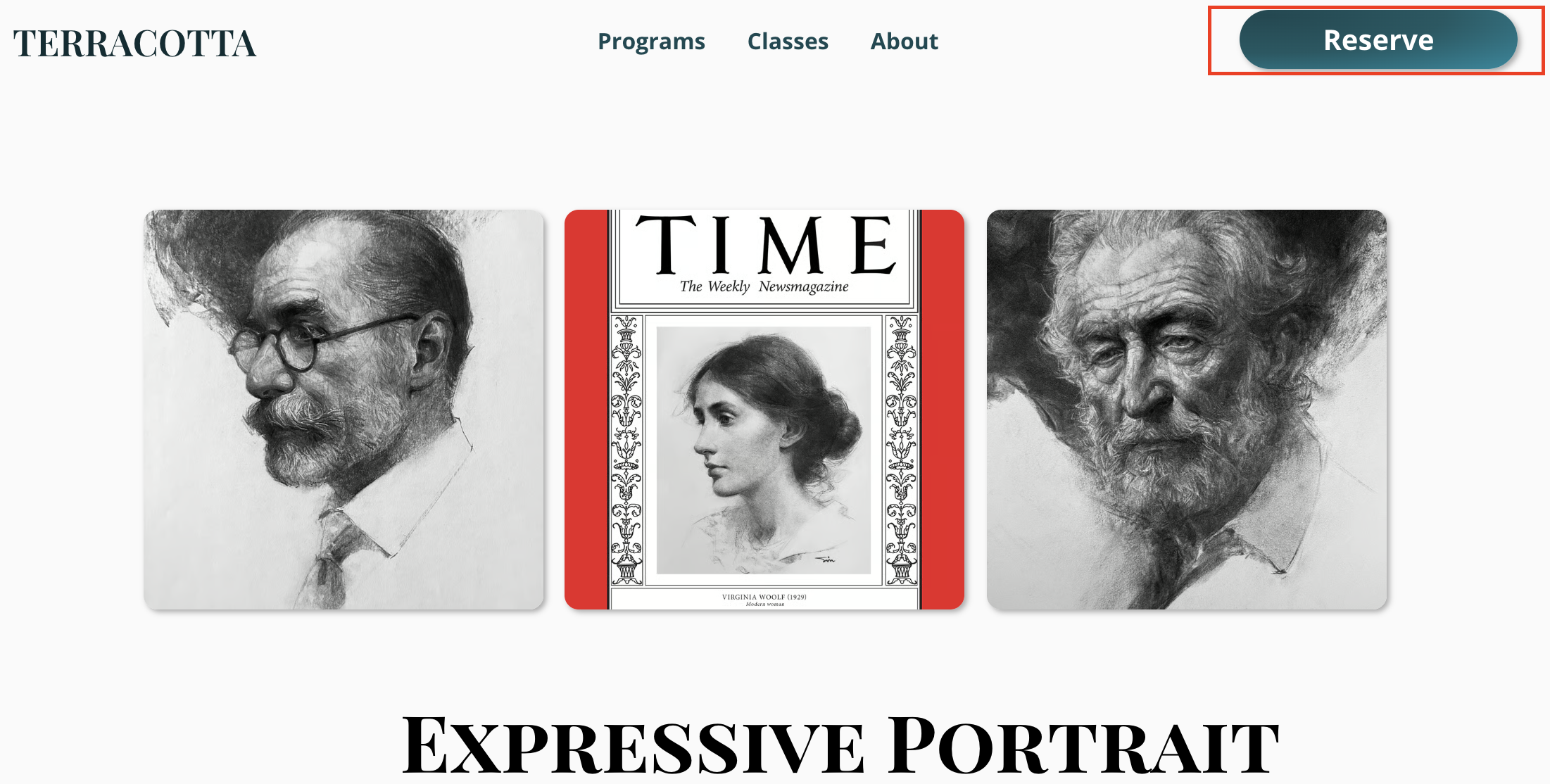
Here’s an example of what the checkout page looks like:
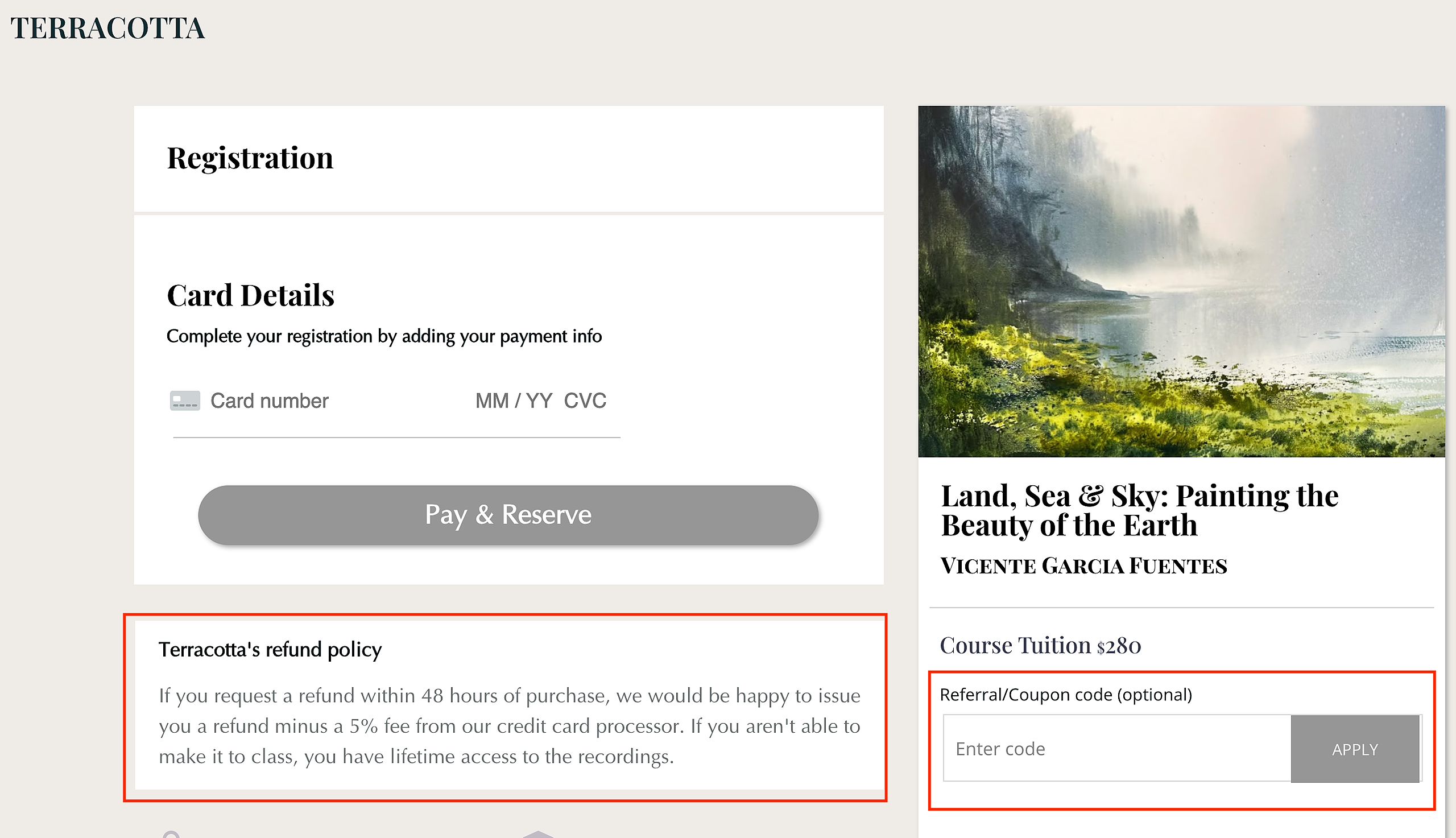
Refund Policy
Please be sure to review our Refund Policy before completing your registration. Refund terms vary depending on whether you’re enrolling in a program, mentorship, live workshop, or video course.
The refund policy for each class will always be listed just below the Pay & Reserve section. You can also view our general refund terms at Terracotta's Refund Policy
Referral & Coupon Codes
If you’re using a referral or coupon code, make sure to click APPLY after entering the code. When the code has been successfully applied, the button will turn green and you’ll see the price adjust.
If the discount does not appear, please reach out to us at hello@terracotta.art before completing your purchase. We’re happy to help!
Payment Plans
For longer-term programs - such as the Fine Art Mentorship or a 6-month course like Alex Killhurtz's From Sketch to Masterpiece - we may offer payment plans to help make registration more accessible.
If you're interested in setting up a plan, please email us at hello@terracotta.art to inquire about available options.