

To view your classes and programs, you need to be logged into your Terracotta account. Need help logging in? Read this article!
For visual learners who would like to watch a brief instructional video: click here to learn how to view your class' virtual studio.
For help navigating the Watercolor Explorer Virtual Studio, click here.
For help navigating the Fine Art Mentorship with Thomas W. Schaller Virtual Studio, click here.
***
Once you are logged in, go to the "Menu" in the top right corner. Click on "My Classes" to view all your classes.


All class information and resources are housed in the virtual studio.
Click Enter Studio to begin learning!

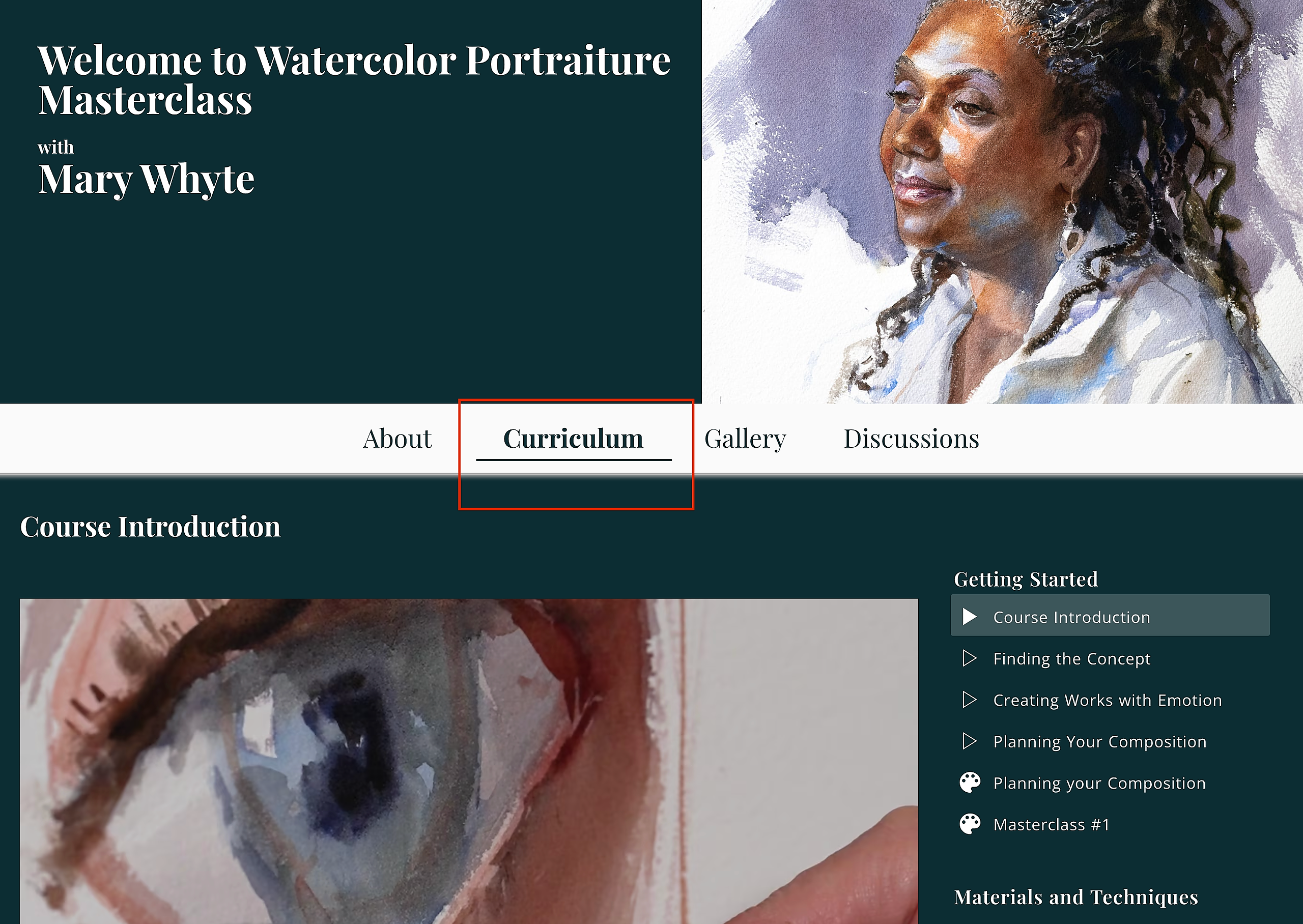
You can find all course videos and resources under the Curriculum tab once inside the studio.
If you are enrolled in a membership program, you can click on the title of the program on the Menu to enter the Program's page.


Happy painting!