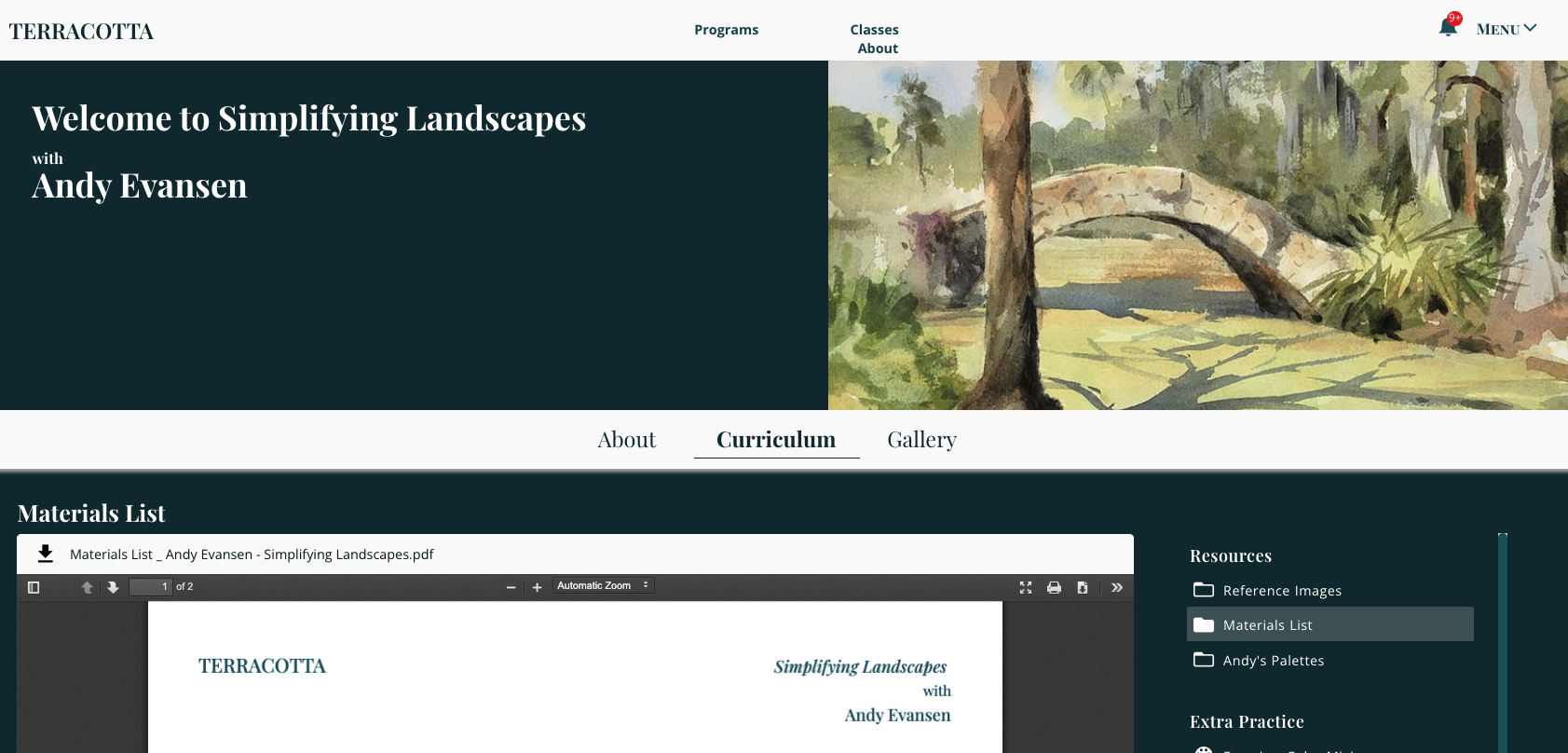
You can find Artist's reference images, materials list, and all other course information in the Virtual Studio under the Curriculum option.
Not sure how to get there? Keep reading below!
To view your classes and programs, you need to be logged into your Terracotta account. Need help logging in? Read this article!
Step 1: Once you are logged in, go to the "Menu" in the top right corner.

Step 2: Click on "My Classes" to view all your purchased classes.

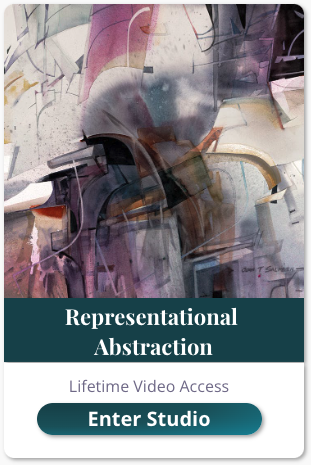
Step 3: Click on Enter Studio and click Curriculum to begin learning!