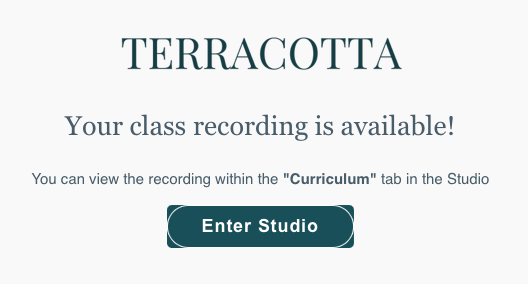
We upload class recordings a few hours after the end of your class. You will be notified via email as soon as the recording is available!
The recordings are uploaded to the curriculum section of each lesson's virtual studio page. There are a few ways to navigate to this page:
Option #1. Click "Enter Studio" in the email.
Option #2. From the program page > Lessons > select the lesson
Option #3. From the program page > Info > Calendar > Past > Enter Studio
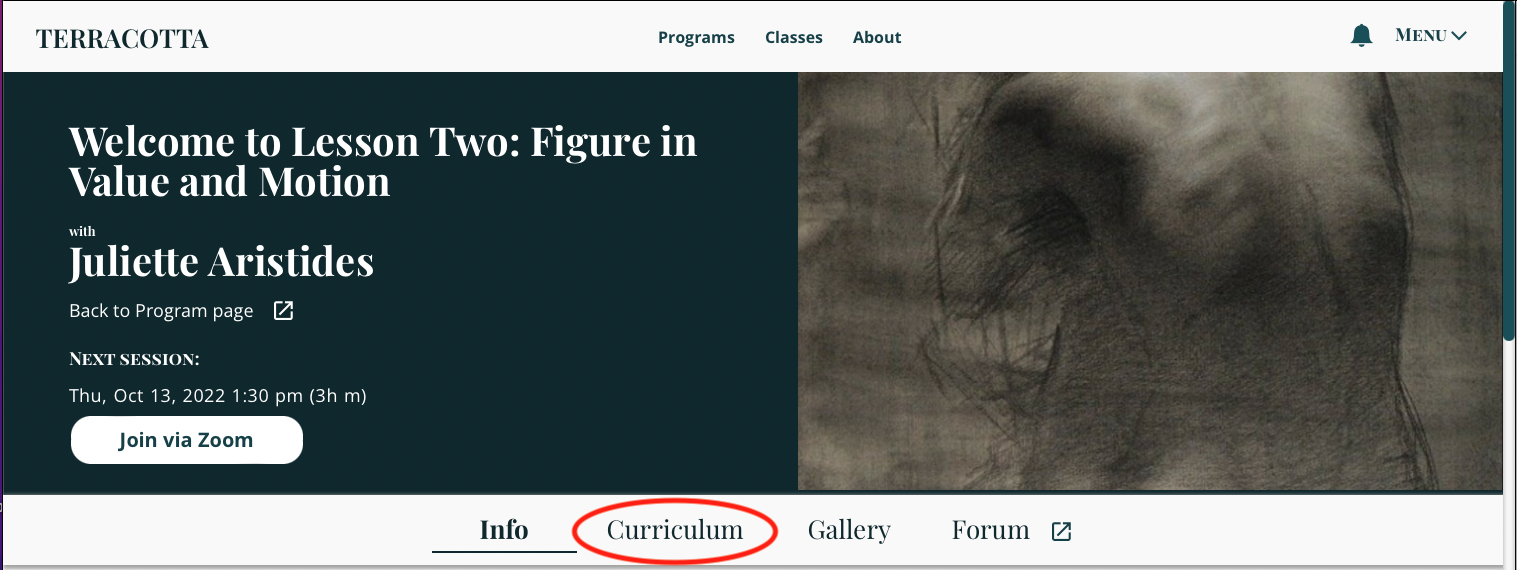
Once you are on the lesson's virtual studio page, click "Curriculum" (see below).
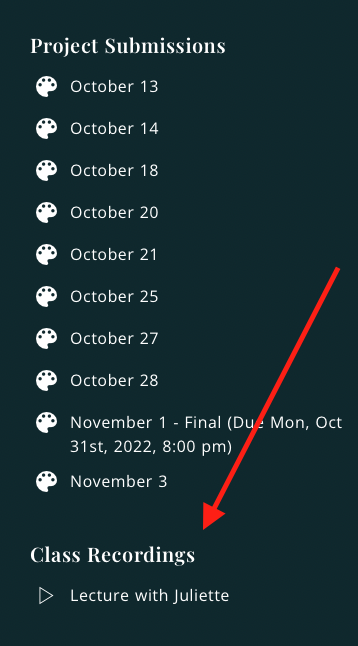
Scroll down until you see Class Recordings. We moved it to the bottom so it wouldn't interfere with project submissions. Click on the title of the recording to watch!