

Logo

How can we help you?

Find step-by-step guides, troubleshooting tips, and feature explainers to get the most out of our platform.

How do I view the recordings of live events in the Masters of Watercolor Explorer Program?

Watercolor Explorer Program

How do I view the recordings of live events in the Masters of Watercolor Explorer Program?

All events, for both upcoming and past recordings, can be accessed through the Events tab within your program homepage.

Last updated on 09 Dec, 2025

TO VIEW RECORDINGS OF PAST EVENTS

1. From the program homepage, go to the Events tab.

Image

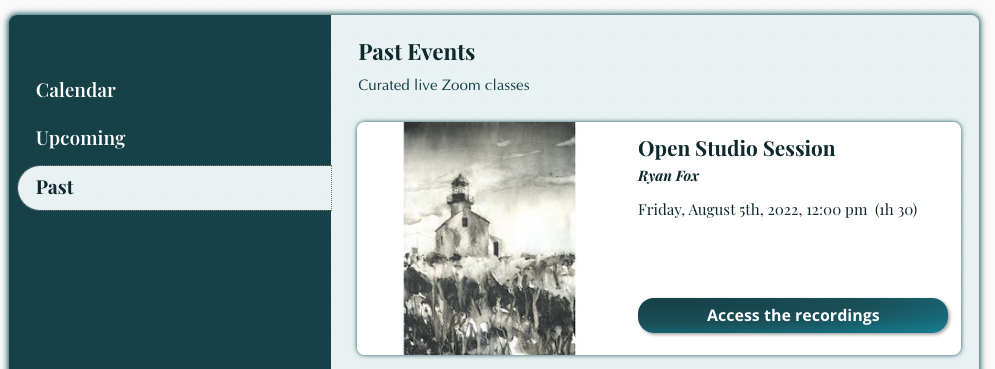
2. Select "Past" from the tabs on the left.

3. Click "Access the recordings." 
Image


4. Once in the studio, navigate to the Curriculum tab. 

Image


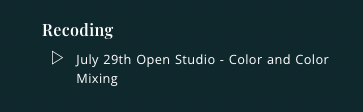
5. Click on the title of the recording. 
Image


Did you find this article helpful?
Previous

How do critiques work in the Masters of Watercolor Explorer Program?

Next