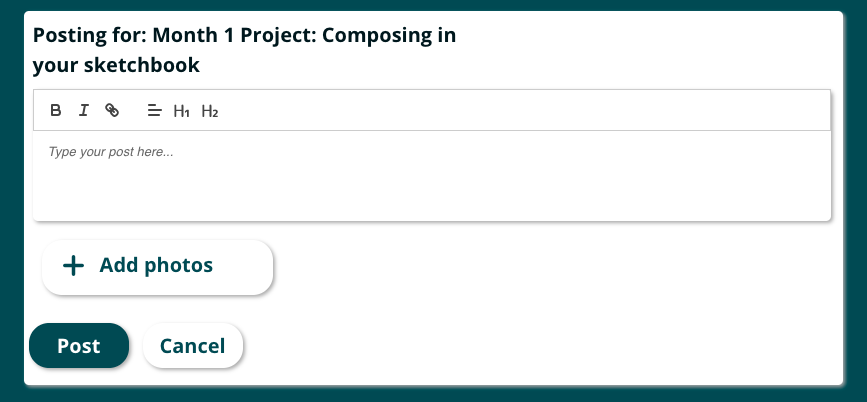
In order to provide and receive peer feedback you will need to upload your work to the forum.
Within each project submission page, you will see a link that says "Link to the discussion on the forum"

Once you have clicked that link you will be on the page for this project in the forum.
You will then scroll to the bottom until you see a button that says New Post, and you will select that button.

You will then type what you would like to share about your work, and you can upload up to two images.
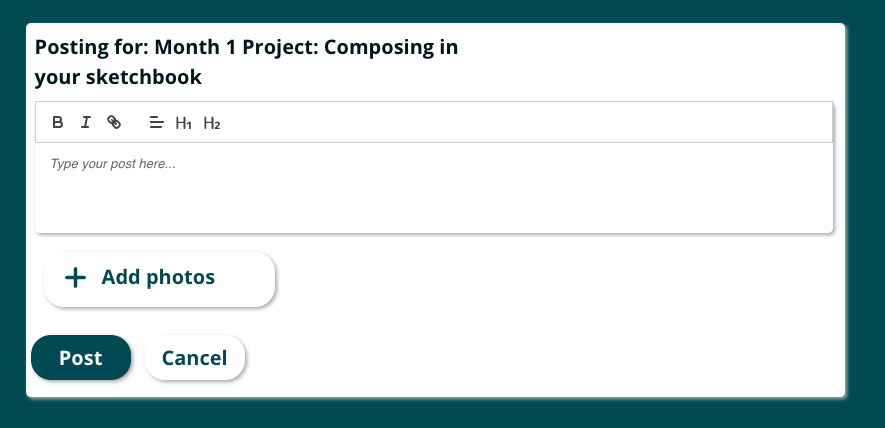
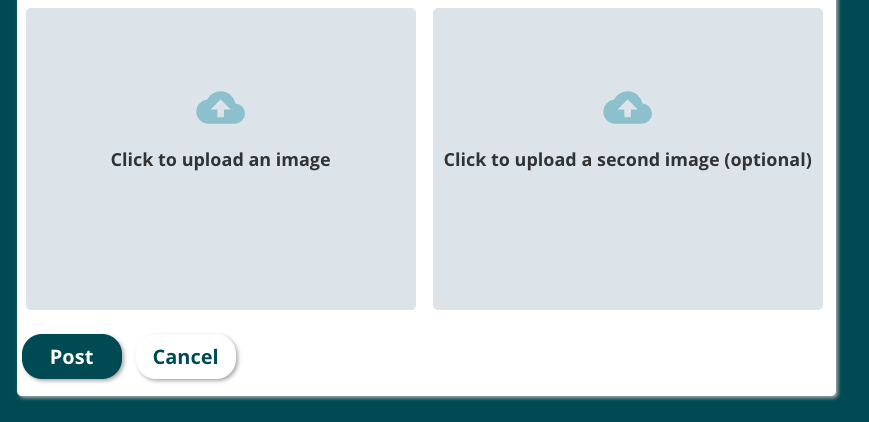
To finalize your post you will click Post at the bottom left of your screen.
To provide feedback to a peer you will go to their post and click reply in the bottom right corner.

You can then write your feedback to your peer in the box provided and select Post to post your feedback.