TO VIEW & JOIN UPCOMING EVENTS
1. From the program homepage, go to the Events tab.

Once you have selected this tab, you have two different viewing options to join Upcoming Live Events - Calendar View & List View (tab title: Upcoming). Choose your view using the tabs on the left.
**The time for events is automatically displayed in your current timezone.**
2. Select your view
Calendar View
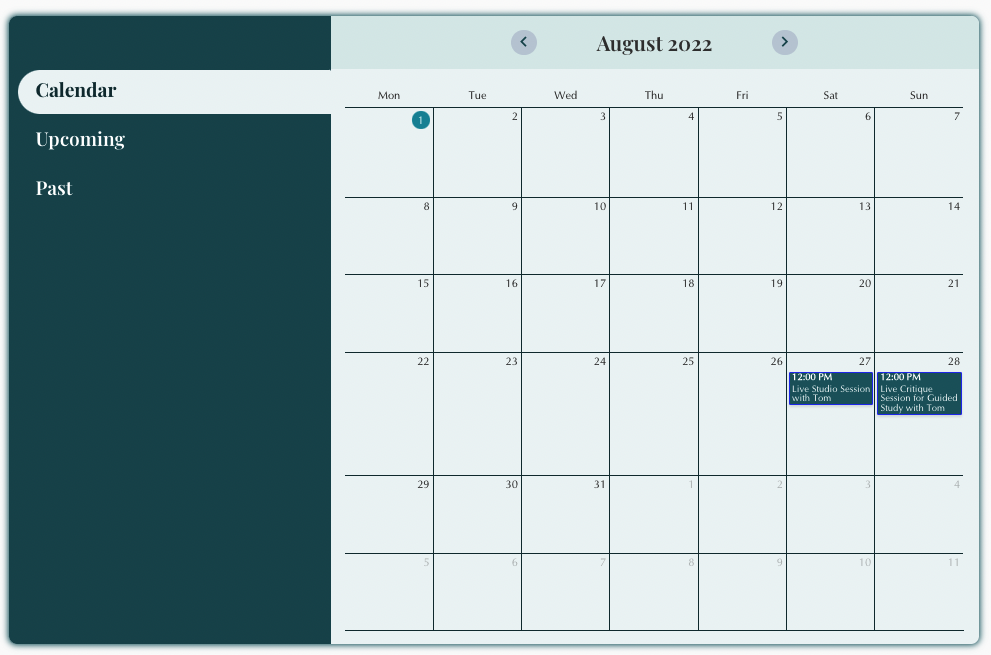
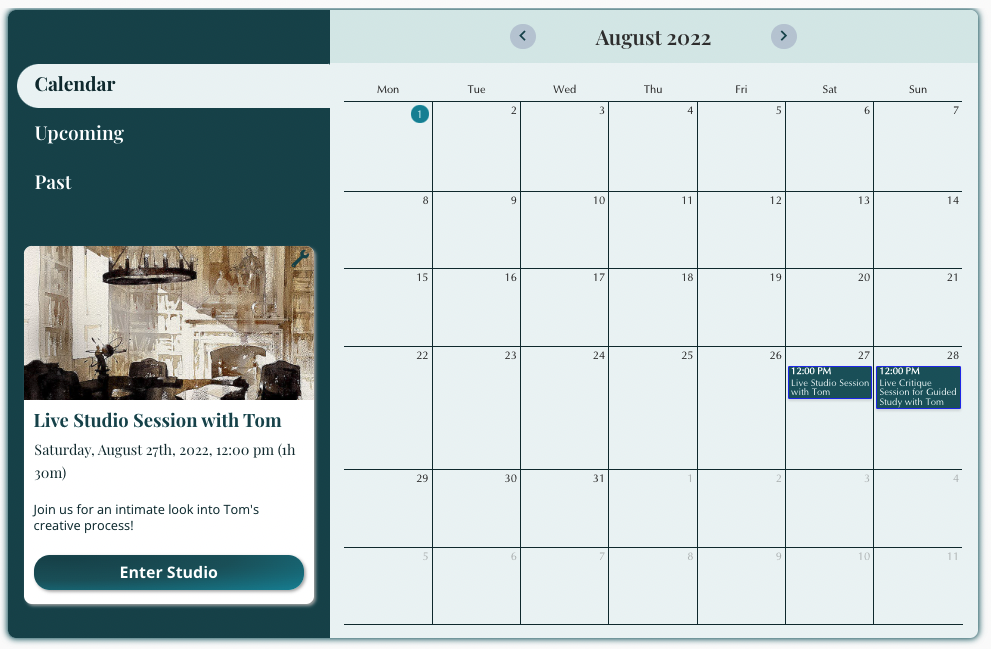
When you click on an event in the calendar, the event will appear on the lefthand side of the calendar (see below).
List View
From the tabs on the left, click Upcoming. Scroll to find the event you would like to join.
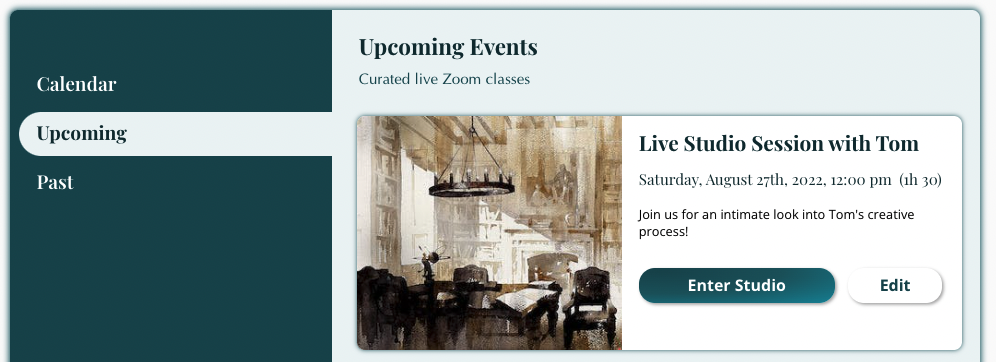
3. Select "Enter Studio" for the event you wish to join.
4. Once you enter the studio, click "Join via Zoom" at the time of the event.