

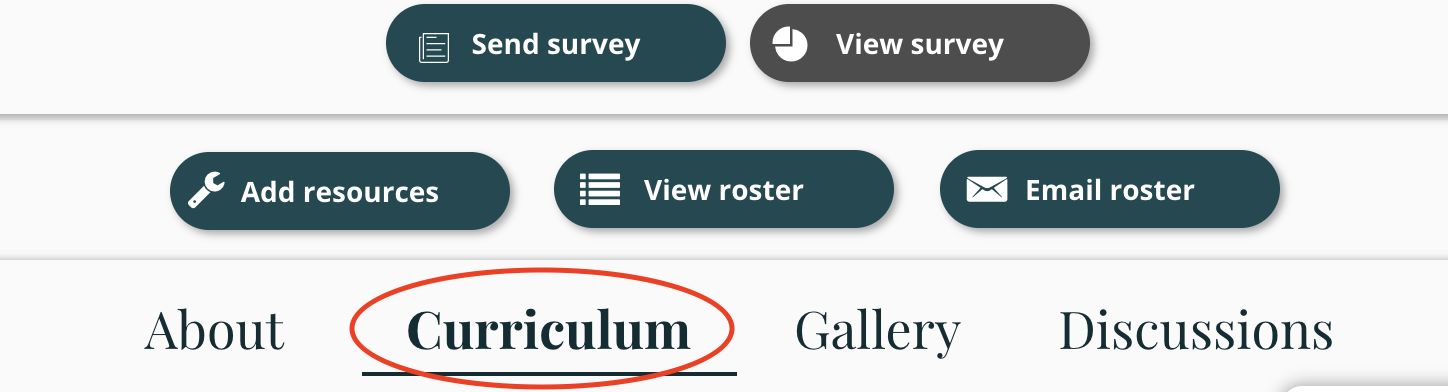
Step 1: Once you are in the studio of a course, please select Curriculum.
Step 2: On the righthand side, you will see the sections of content. Click the down-drop arrow to reveal the content of each section.
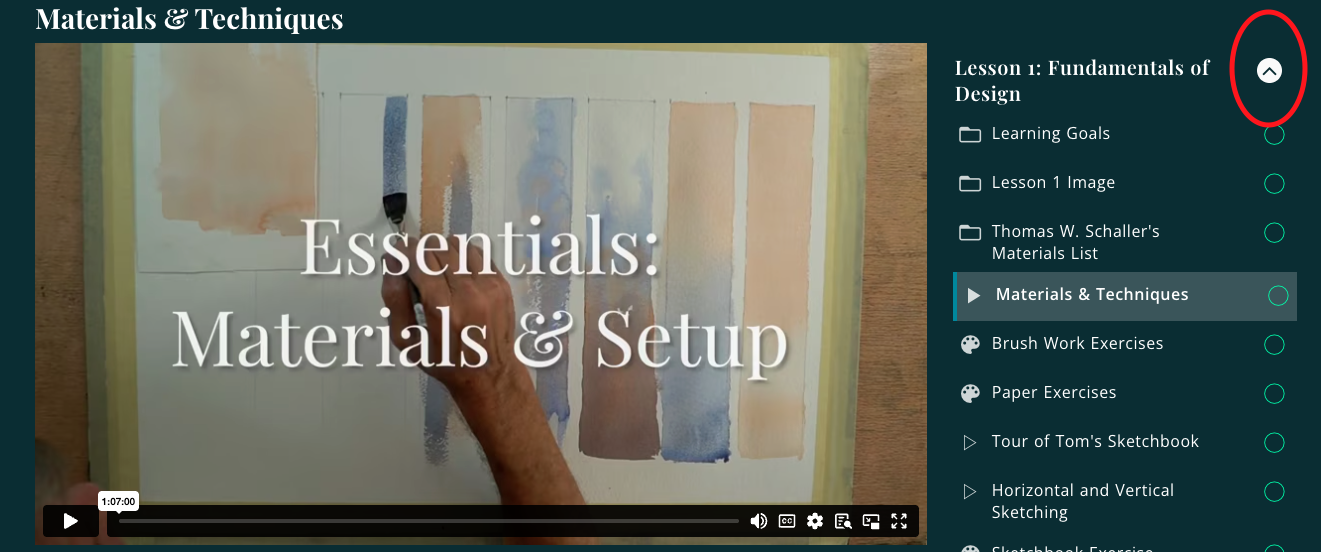
Step 3: Click on the specific video/project/file you are trying to view and it will display on the left side.